


A laptop charger is one of those accessories I rarely think about when everything is working properly. It sits on the desk, gets packed into a bag when I travel, and does its job in the background. It is only when the charger becomes damaged, gets misplaced, or starts behaving inconsistently that I realize how important the right replacement actually is.
When looking for an apple macbook charger, it is tempting to choose the first option that appears compatible. I would take a little more time, though, because the connector is only one part of the equation. Power output, cable quality, portability, charging method, and the exact MacBook model all deserve attention.
Start by Identifying Your MacBook
The safest place to begin is with the MacBook itself. Different MacBook generations can have different charging requirements and connection options. Some models support USB-C charging, while compatible models may also work with Apple’s magnetic charging system. I would check the exact model before comparing chargers. This prevents a common mistake: buying an accessory because the connector looks right without confirming whether its power specifications are suitable.
The model also matters if you are replacing an older charger. A newer MacBook may have different requirements from a computer you owned several years ago, so an old adapter should not automatically be considered the correct replacement.
Charger and Cable Work as a Team
It is easy to think of the power adapter as the important part and the cable as an afterthought. In reality, both contribute to the charging setup. A cable needs to be capable of handling the power being delivered by the adapter. USB-C cables, for example, can have different power and data capabilities.
If a charger seems to be performing below expectations, I would check the cable before assuming the adapter itself is faulty. This is particularly useful when buying a replacement separately. A high-quality power adapter paired with an unsuitable cable can still result in an underperforming setup.
How Much Power Do You Actually Need?
Power output is one of the most important specifications to understand. A charger needs to provide enough power for the MacBook to charge effectively, especially when the computer is being used at the same time. If the available power is too low, charging can become slow or the battery may continue to decline during demanding tasks.
At the same time, buying the highest-output charger available is not necessarily necessary. I would look at the power requirements of the specific MacBook model and choose a charger that comfortably meets them. That gives me enough headroom without paying extra simply for a number I will never use.
Magnetic Charging Has a Practical Advantage
For compatible MacBook models, magnetic charging offers a useful feature that goes beyond convenience. An apple laptop charger using a compatible magnetic connection can attach securely while still allowing the cable to separate from the computer if it gets pulled. That can be particularly useful in a busy workspace. A cable running across a desk can easily get caught on a hand, notebook, or chair. With a magnetic connection, the laptop is less likely to be dragged along with the cable.
It also leaves the laptop’s other ports available for peripherals, depending on the model. Magnetic charging is not automatically necessary for everyone, but it can be a worthwhile feature if your workspace involves frequent movement around the computer.
Think About Your Workspace
Where you charge your MacBook should influence the type of charger you choose. If the computer stays on a desk most of the time, a larger adapter may not bother you. If you carry the MacBook between home, work, school, and travel locations, size becomes much more important.
I would also consider cable length. A cable that is too short can make a perfectly good charger awkward to use, while an excessively long one can create unnecessary clutter. For travel, compactness becomes especially valuable. Reducing the number of bulky accessories in a laptop bag can make a noticeable difference over time.
Charging More Than One Device
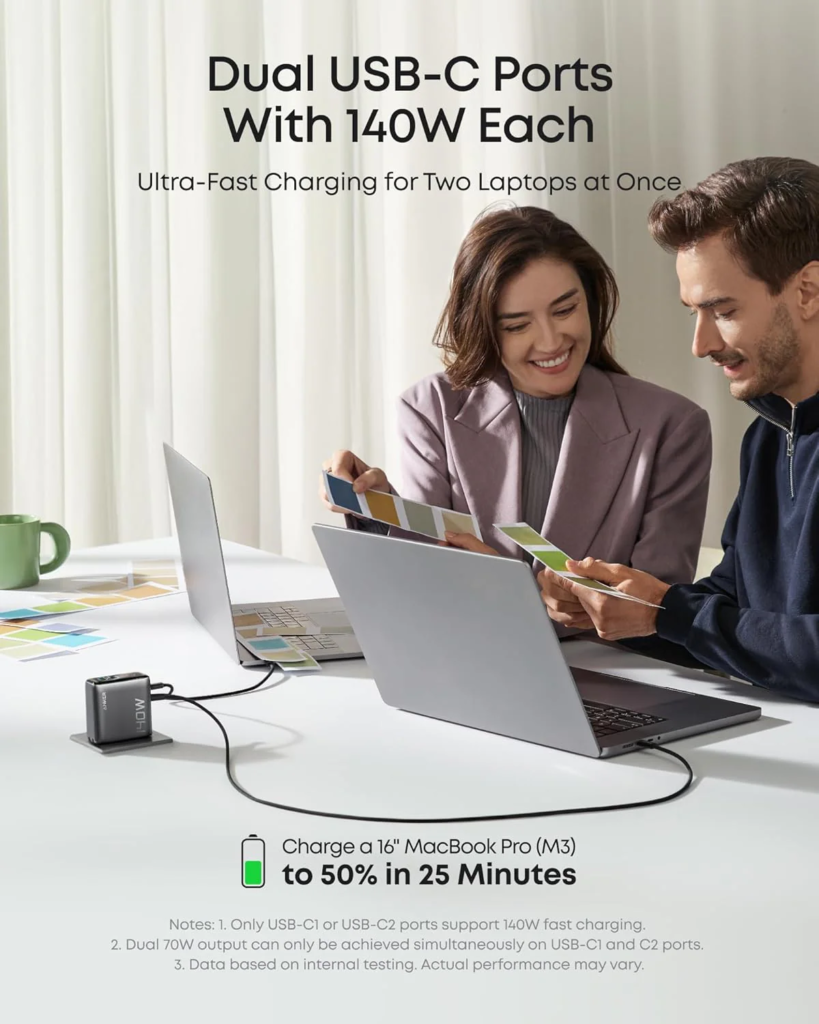
Modern workspaces rarely contain just one electronic device. I might have a MacBook, iPhone, earbuds, and another small accessory nearby. If I can use one suitable charging setup for several devices, packing and organizing everything becomes easier. A multi-port charger can be useful for this purpose, but there is an important detail to remember: total power is shared when multiple devices are connected.
A charger advertised with a particular maximum output does not necessarily provide that full amount to every port simultaneously. I would check how the power is distributed before relying on one adapter for several demanding devices. Anker is one option in the charging-accessory market, but I would use the same evaluation criteria for any brand: check compatibility, output, cable requirements, and intended use before deciding.
What About Heat?
Heat is another factor I would not overlook. Both the MacBook and its charger can become warm during use. Running demanding software while charging can increase the overall workload, while a hot room can make heat management more difficult. That does not mean a charger becoming slightly warm is automatically a problem. Some warmth is expected during normal operation.
However, I would avoid covering the power adapter with clothing or other materials and would keep it somewhere with reasonable airflow. If equipment becomes unusually hot, develops a strange smell, or behaves inconsistently, I would stop using it and investigate the cause.
When a Replacement Is Actually Worth It
Not every charging issue means you need a new adapter. Sometimes the cable is the problem. Fraying, bent connectors, intermittent charging, or visible damage are signs that a cable should be replaced rather than ignored. If the apple laptop charger itself is damaged, repeatedly disconnects, or shows other unusual behavior, replacing it may be the safer choice.
I would also avoid using damaged charging accessories simply because they still seem to work. A charger is connected directly to an expensive computer, so reliability matters more than squeezing a few extra months out of an aging accessory.
A Quick Checklist Before Buying
Before choosing a replacement, I would check:
- The exact MacBook model
- Recommended charging power
- Connector and charging method
- Cable capability
- Number of ports needed
- Charger size and weight
- Whether other devices need to be charged
- Heat and ventilation considerations
This short checklist can eliminate many unsuitable options before you even start comparing prices.
Final Thoughts
Choosing an Apple MacBook charger is easier when the decision is based on the computer’s actual requirements rather than appearance or branding. Start by identifying the exact MacBook model, then consider power output, cable capability, charging method, portability, and whether you need to power other devices. For compatible models, magnetic charging can add useful convenience, especially in busy workspaces. A good charger should fit naturally into the way you use your MacBook. Once the adapter, cable, and computer are properly matched, charging becomes something you can rely on without giving it much thought.
FAQs
1. How do I know which charger my MacBook needs?
Start by identifying the exact MacBook model and checking its recommended charging requirements. This will help determine the appropriate power output and charging connection.
2. Are all MacBook chargers interchangeable?
No. Different MacBook models can have different charging requirements and connection options. Always verify compatibility before using a replacement charger.
3. Is a magnetic MacBook charger better than USB-C?
Neither is universally better. Magnetic charging can offer convenient attachment and separation, while USB-C provides broad compatibility with many modern devices.
4. Can I use one charger for my MacBook and iPhone?
Potentially, if the charger provides suitable outputs for both devices. Multi-port chargers can be useful, but check how total power is distributed between ports.
5. Why does my MacBook charger get warm?
Some warmth during charging is normal. However, unusually high temperatures, strange smells, visible damage, or inconsistent performance are reasons to stop using the charger and check the equipment.