
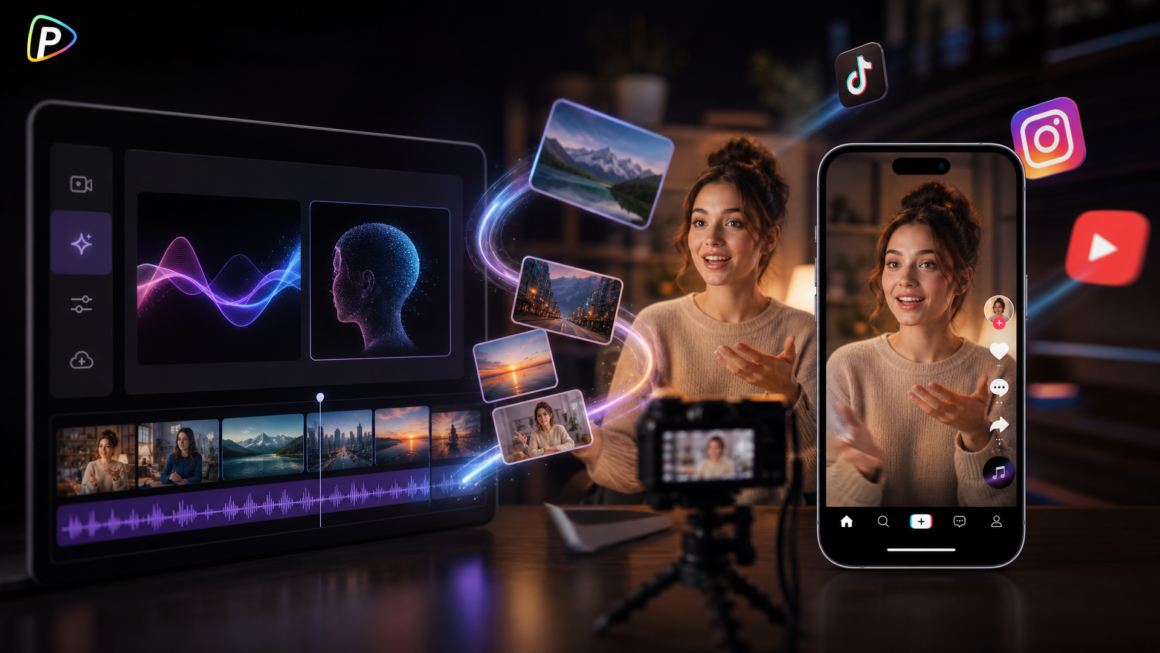
A product photo, portrait, or simple concept can become a social media video without a full shoot. The hard part is making the result look natural. Strange movement, shifting faces, or a product that changes shape can make an AI clip look fake instantly.
MiniMax Hailuo AI is useful for this kind of content. It turns text or images into video and lets creators guide movement, camera direction, and subject consistency. On Pollo AI, Hailuo AI also sits alongside other video models and workflows, making it easier to try different approaches without jumping between platforms.
Why MiniMax Hailuo AI Makes Sense for Realistic Social Videos
For short-form content, realism often comes down to movement. A person needs to move naturally, a product should keep its shape, and the camera should behave like a real camera.
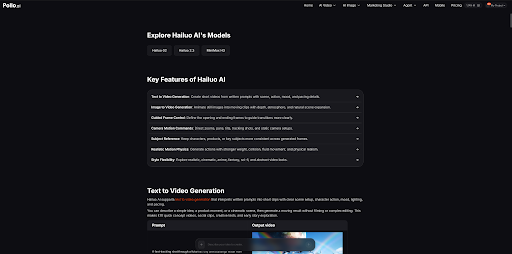
MiniMax Hailuo AI on Pollo AI supports text-to-video, image-to-video, camera controls, subject references, and guided frame control. These features are useful when creators need more than a still image with basic animation.
There is another reason to use it on Pollo AI: creators can test Hailuo AI alongside other models and video workflows on the same platform. For a campaign that needs product shots, UGC-style clips, or different visual treatments, that can save a lot of switching around.
How to Create Realistic Social Media Videos with MiniMax Hailuo AI on Pollo AI
1. Start with a Good Image or Idea
Open MiniMax Hailuo AI on Pollo AI and choose Image-to-Video if a suitable image is ready. A clear product photo, portrait, or illustration is usually the best starting point. No image? Use Text-to-Video instead.
Do not start with a poor source image and expect the model to fix it. Blurry photos, heavy crops, and hidden product details can cause problems later.
2. Give It One Clear Action
Tell the model what should move instead of filling the prompt with adjectives.
For example:
A skincare bottle slowly rotates on a stone surface. Soft morning light, natural reflections, slow camera push-in.
Keep it simple. Asking someone to walk, turn, wave, pick something up, and interact with another person in a few seconds is asking for trouble.
3. Keep the Camera Move Simple
Hailuo AI supports zooms, pans, tilts, tracking shots, pull-backs, and static shots.
Pick one that fits the shot. A slow push-in works for a product reveal; a tracking shot makes more sense for someone walking.
Using several camera commands at once can make the result messy. If the camera starts doing something strange, simplify the instruction first.
4. Use References When Appearance Matters
For a recognizable product, person, or character, subject references can help keep the main subject consistent. Guided frames are useful when the beginning or ending of a shot needs tighter control.
Keep reference images consistent. Different colors, shapes, or angles can give the model conflicting information.
5. Generate, Check, and Fix
Generate the clip through Hailuo AI on Pollo AI, then watch the whole thing.
Check the face, hands, product shape, background, and camera movement. Hailuo AI can handle physical details such as splashes, falling objects, fabric, and collisions, but complicated scenes can still go off track.
When something looks wrong, change one thing at a time. If the camera is too active, simplify it. If the product warps, reduce its movement. This is usually faster than rewriting the entire prompt.
Final Thoughts
The best way to create a realistic social media video with MiniMax Hailuo AI is surprisingly simple: start with a clean image or clear idea, give it one main action, add one sensible camera move, and refine what does not work.
On Pollo AI, Hailuo AI can also be combined with other models and workflows, which gives creators more room to experiment when one campaign needs several types of social content.